
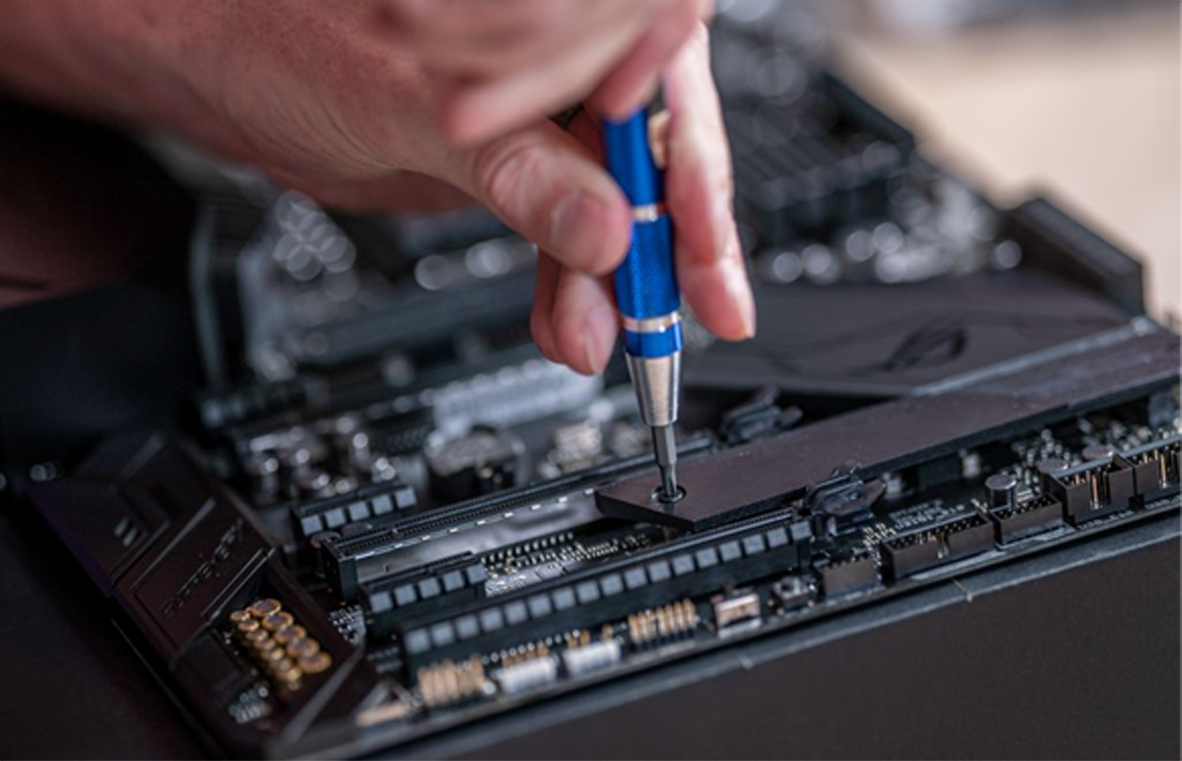
If your computer takes minutes to start up and apps crawl open, the problem is often the drive, not the processor. An SSD upgrade is one of the cheapest and most effective ways to make an older PC or laptop feel fast again.
HDD vs SSD: what’s the difference?
A traditional hard disk drive (HDD) stores data on spinning platters read by a moving arm. A solid state drive (SSD) has no moving parts and stores data on flash memory. The result is that SSDs load data many times faster, are silent and are far less likely to be damaged if a laptop is knocked or dropped.
What you’ll notice after an SSD upgrade
- Much faster start-up and shutdown
- Programs, browsers and games open quicker
- Windows updates install faster
- A quieter, cooler computer
Which SSD should you choose?
There are two main types:
- 2.5-inch SATA SSDs fit in the same slot as most laptop hard drives and in almost any desktop. They’re a big step up from an HDD.
- M.2 NVMe SSDs are small sticks that plug straight into the motherboard. They’re faster again, but your PC needs a compatible M.2 slot.
For most people, 500GB to 1TB is a sensible size. If you’re not sure what your computer supports, we can check for you.
What about my files?
You don’t have to start from scratch. Your existing drive can be cloned to the new SSD so Windows, your programs and your files come across exactly as they were. Alternatively, a fresh Windows install on the new SSD is a good chance to clear out years of clutter, and we can copy your personal files across.
Is it worth it?
If your PC still has a hard drive as its main drive, almost always yes. Combined with a RAM upgrade where needed, an SSD can give a machine several more years of useful life for a fraction of the cost of replacing it.
Get your SSD upgrade done
PC Forge fits SSD upgrades for desktops and laptops across Dublin, with free pickup and delivery. Create a repair ticket and mention you’d like an SSD upgrade, or get in touch with any questions.
Leave a Reply