
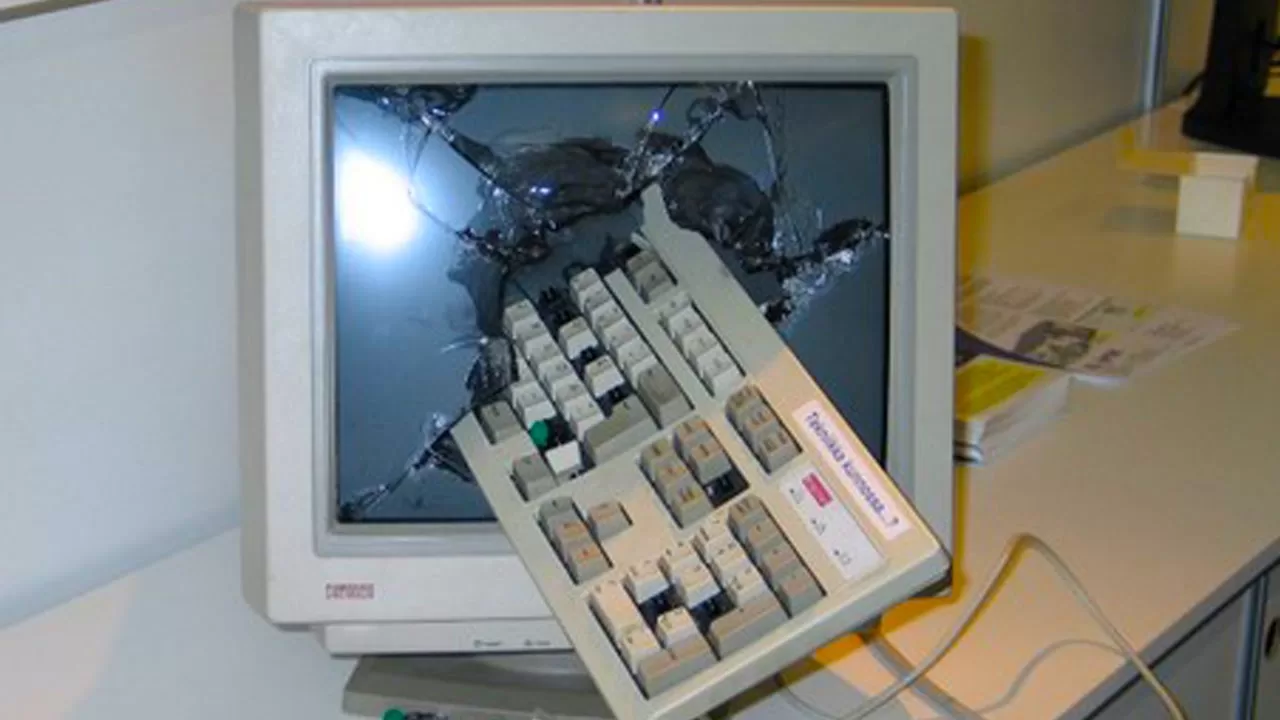
You press the power button and nothing happens. Or the fans spin but the screen stays black. When your computer won’t turn on, it’s easy to fear the worst, but the cause is often simple. Work through these checks before assuming it’s dead.
1. Check the power at the wall
Try a different socket, and plug something else into it to make sure it works. If you’re using an extension lead or surge protector, plug the PC straight into the wall instead.
2. Check the power supply switch and cable
Desktop power supplies have their own switch on the back. Make sure it’s on (marked “I”) and that the power cable is pushed in firmly at both ends. For laptops, check the charger light and try a different charger if you have one.
3. Is it actually on, but the screen is off?
If you can hear fans or see lights, the problem may be the display. Check the monitor is on and set to the right input, and that the cable is connected to the graphics card rather than the motherboard if you have a dedicated GPU.
4. Do a power drain
Unplug the PC (and remove the battery on older laptops), then hold the power button for 30 seconds. This clears leftover charge and can bring a stubborn machine back to life.
5. Listen for beeps and look for lights
Many motherboards beep or flash diagnostic lights when something is wrong at start-up. Note the pattern and look it up in your motherboard or laptop manual; it often points straight to the faulty part.
6. Reseat the RAM
On a desktop, switch off at the wall, touch a metal part of the case to discharge static, then remove and firmly reinsert the memory sticks. Loose RAM is a surprisingly common cause of a black screen.
7. Think about what changed
Did it stop working after a power cut, a storm, a new part or a Windows update? A power surge can damage a power supply, and a new component may not be compatible.
When to call a professional
If none of these steps help, the cause is likely a failed power supply, motherboard, or other hardware fault that needs proper testing. Don’t keep switching it on and off repeatedly, as this can make some faults worse.
PC Forge diagnoses and repairs computers that won’t turn on, with free pickup and delivery anywhere in Dublin. If your files are important, tell us and we’ll prioritise keeping your data safe. Create a repair ticket or call 086 867 7552.
Leave a Reply