
Hard drives don’t last forever, and when one fails it can take your photos, documents and work with it. Knowing the signs of a hard drive failing gives you the chance to save your files before it’s too late.
Warning signs to watch for
- Clicking, grinding or buzzing noises from inside the PC
- Very slow performance, especially when opening files or folders
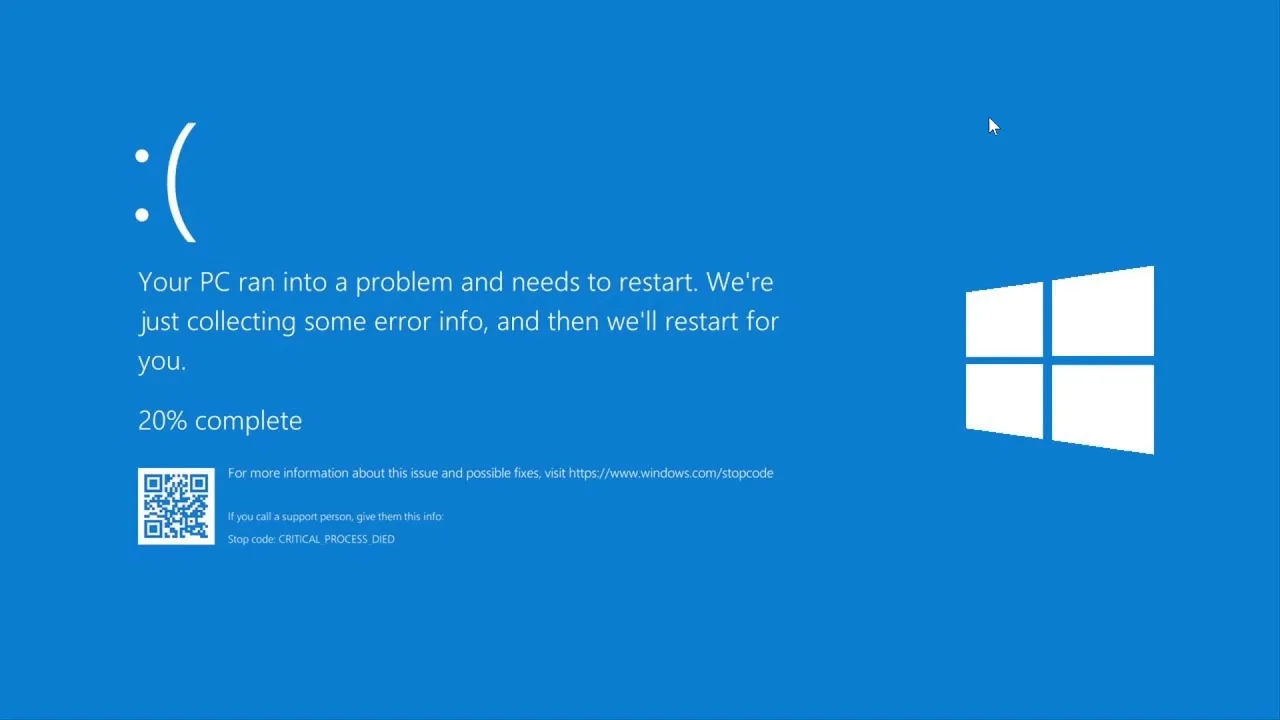
- Freezes and crashes, including blue screens
- Files that won’t open or folders that disappear
- The PC fails to boot or says no boot device was found
- Warnings from Windows or your drive software about drive health
What to do right now
- Back up your most important files immediately to an external drive or cloud storage. Start with what you can’t replace.
- Use the PC as little as possible. A failing drive can get worse each time it runs.
- Don’t run repeated repair or defrag tools on a drive that is making noises. This can cause more damage.
- Don’t open the drive yourself. Opening a hard drive outside a clean environment can make recovery impossible.
Checking your drive’s health
Drives keep internal health data known as S.M.A.R.T. Free tools such as CrystalDiskInfo can read it and show whether a drive is reporting problems. A “caution” or “bad” status is a strong sign it’s time to replace it.
Replacing a failing drive
The best time to replace a drive is before it dies completely. Replacing an old hard drive with an SSD has the bonus of making your PC much faster. Your data can usually be copied across to the new drive at the same time.
Prevent data loss in future
Follow the 3-2-1 rule: keep three copies of important data, on two different types of storage, with one copy off-site or in the cloud. Then a failed drive becomes an inconvenience rather than a disaster.
Get help with a failing drive
PC Forge helps Dublin customers replace failing drives and recover files from them, with free pickup and delivery. If your drive is showing any of these signs, create a repair ticket or call 086 867 7552 as soon as possible.
Leave a Reply